AI Connector Extensions: AI Models Inside Your Workflows
Caspio AI
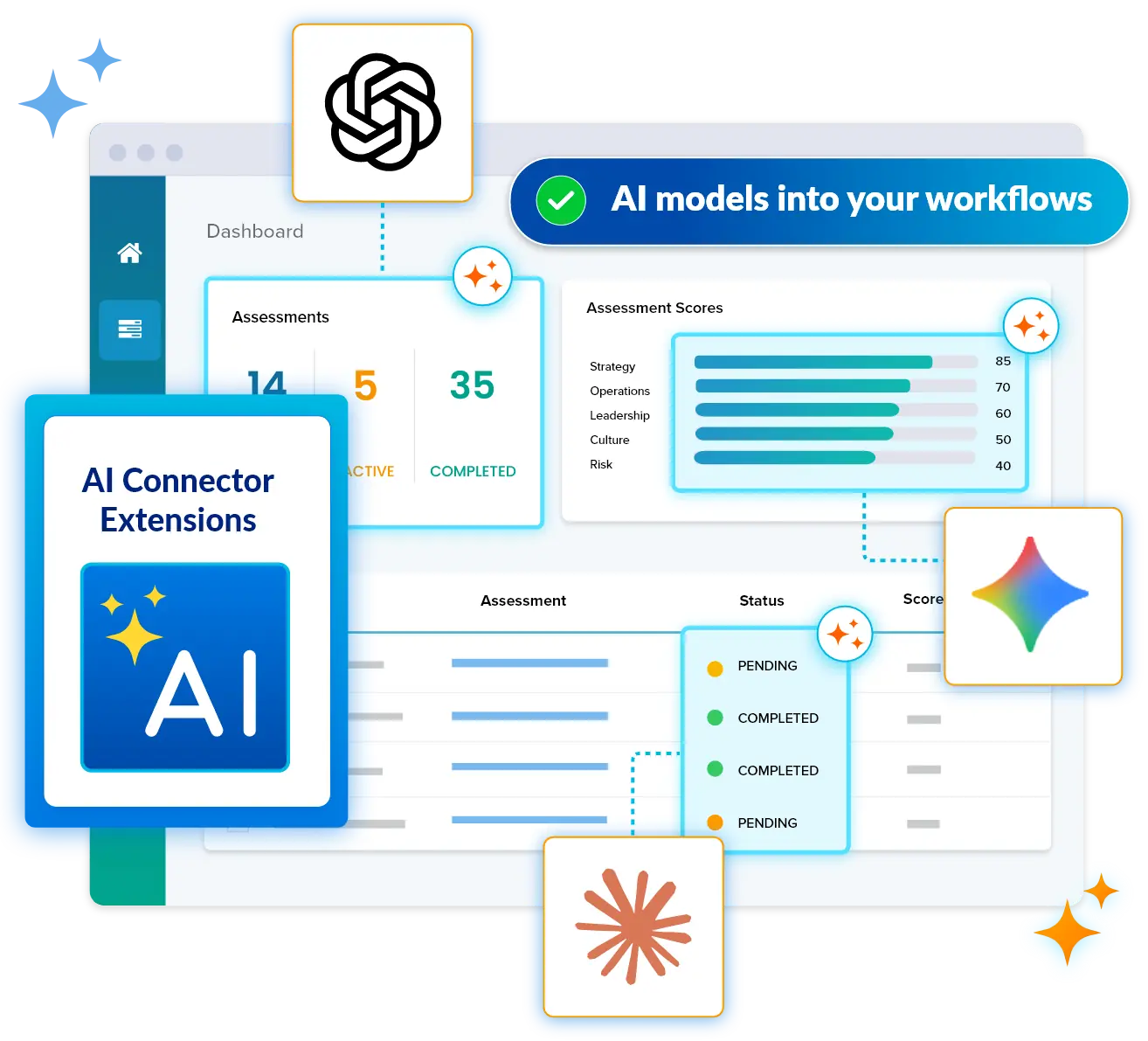
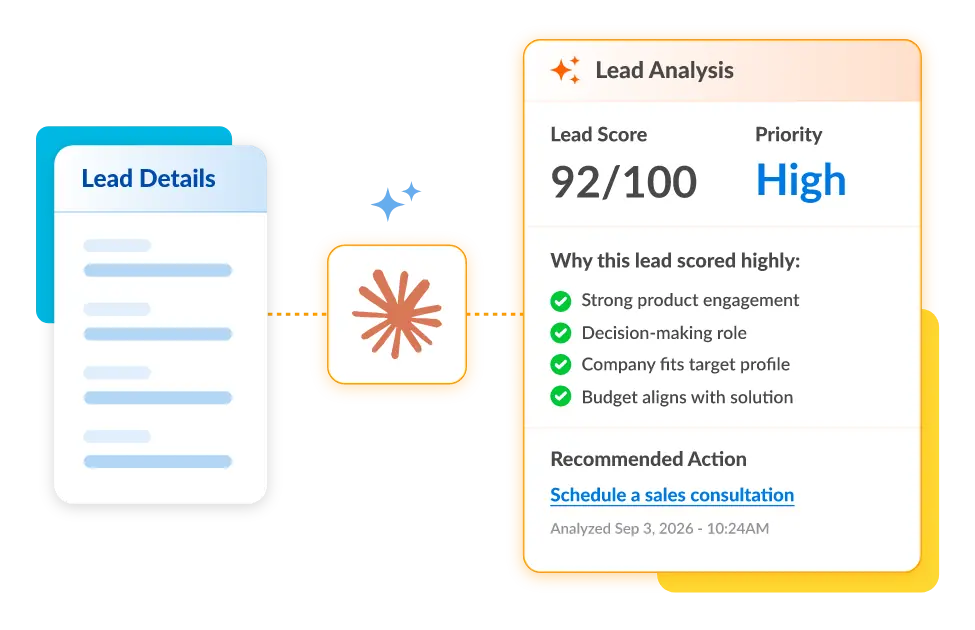
AI Connector Extensions bring leading AI models into app workflows. Available through the Caspio Marketplace, they process records as they arrive, using your prompts and your data, then write results back to your existing application database. The AI step is governed like every other step.
What Are AI Connector Extensions?
Most teams meet AI in a separate browser tab: export the records, paste them into a chatbot, copy the answer back, hope nothing got stale in between. AI Connector Extensions remove that detour. Each extension is a packaged connector, installed from the Caspio Marketplace, that puts a leading AI model to work directly inside a Caspio application's workflows. The model reads the records you point it at, follows the prompt you configure, and stores its output back in your tables, so the result lands in the same live database that powers your reports, alerts, and downstream automation. Nothing is copied out to a side tool, and nothing depends on a person remembering to paste an answer back in. AI becomes a step in the workflow, with the same accountability as any other step.
How Do AI Connector Extensions Work?
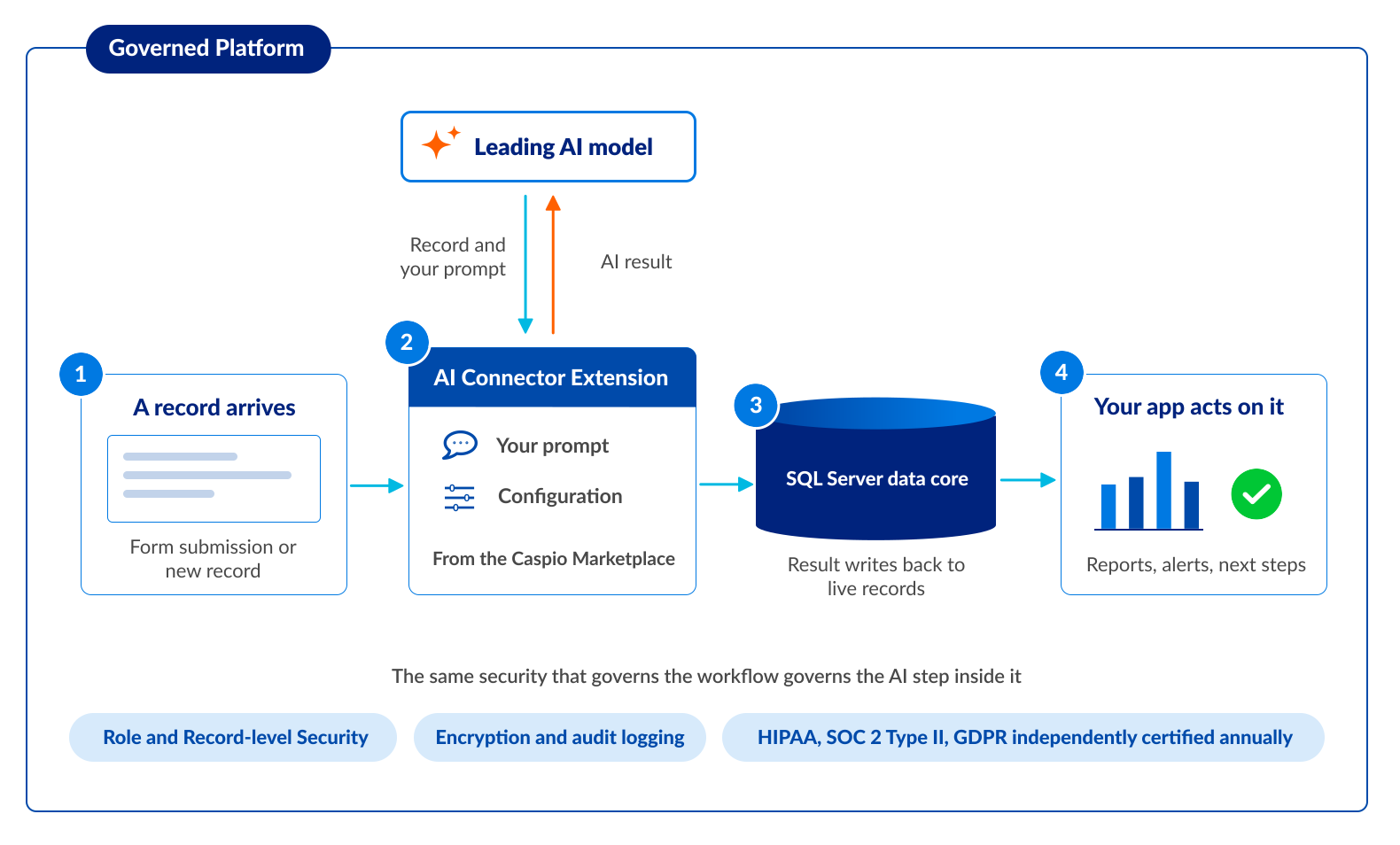
1. A record arrives
Someone submits a form, a case is updated, a new row lands in a table. You choose which events trigger AI processing: on insert, on update, or both.
2. The extension calls the AI model
It sends the record to the model with the prompt you configured, referencing the exact table fields you chose, along with any context or reference files you set up.
3. The result writes back
The model's response is stored in the field you selected, on the live record, in your database. It is data now, not a chat transcript.
4. The rest of the app acts on it
Reports include it, searches find it, notifications fire on it, and the next workflow step picks it up automatically.
Three AI Connector Extensions
Choose from three AI Connector Extensions in the Caspio Marketplace, each bringing a leading AI model family into the same governed workflows.
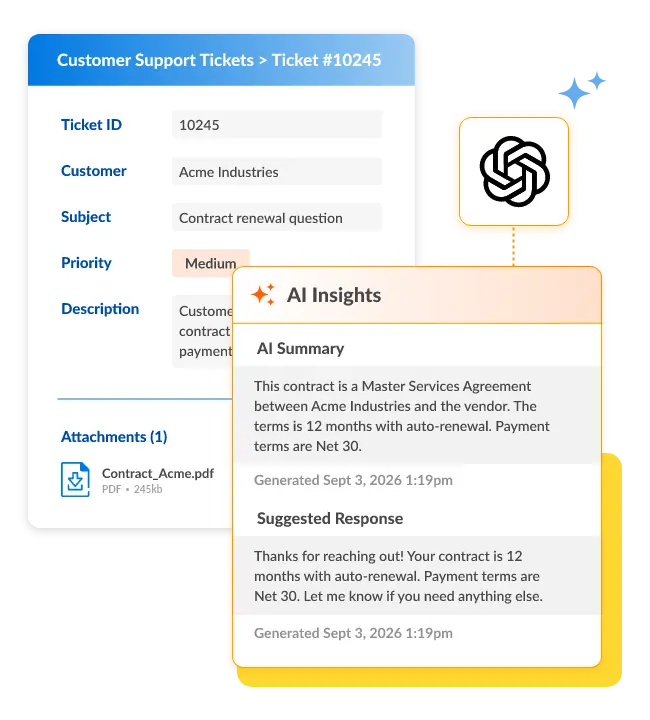
OpenAI GPT
OpenAI GPT brings OpenAI's GPT models directly into your Caspio applications: whenever records are created or updated, it runs your data through the AI model and writes the response back to your table. Configuration takes minutes, not a project plan; the listing walks through the four setup steps, with no coding and no external accounts required.
It also carries the capabilities that make workflow AI practical at scale. Profile-level knowledge lets you define persistent context, instructions, and reference files that shape how the AI responds. File processing includes a record's attachments in the request for document analysis, extraction, or summarization. Web search lets the AI pull current online information when a response needs real-time data, and prompt preview lets you test and refine prompts before you activate anything. You can run multiple agents per profile, each handling a different workflow while sharing the same knowledge base.
Google Gemini
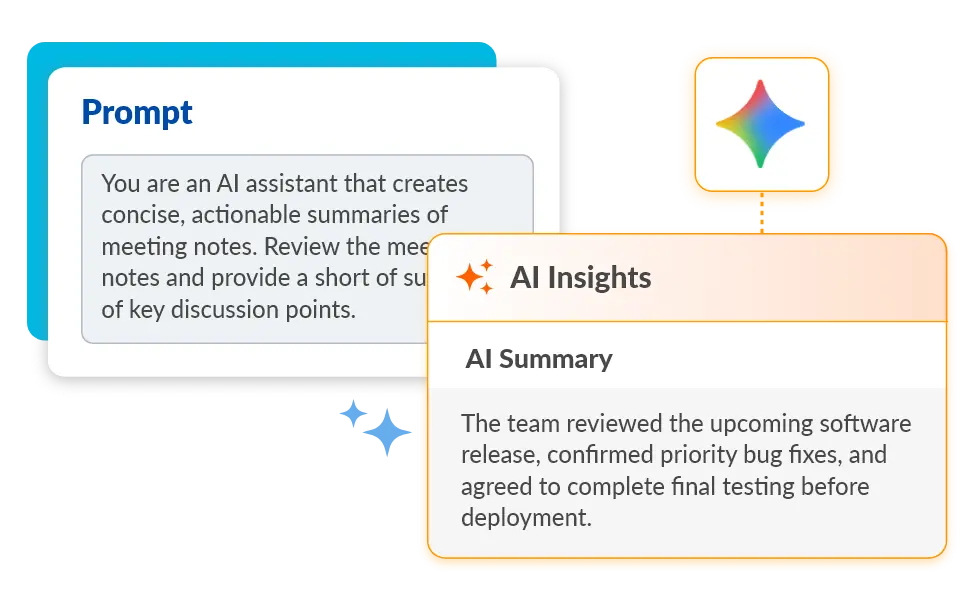
Google Gemini brings Google's Gemini models into Caspio app workflows: install it from the Caspio Marketplace, configure your prompt and trigger, and results write back to your live records like every extension in the family. See the listing for its capabilities and setup steps.
Anthropic Claude
Anthropic Claude brings Anthropic's Claude models into Caspio app workflows: install it from the Caspio Marketplace, configure your prompt and trigger, and results write back to your live records like every extension in the family. See the listing for its capabilities and setup steps.
More AI Connector Extensions are on the way, and each new extension installs from the Caspio Marketplace into the same governed workflows.
What Do Teams Use AI Connector Extensions For?
Four patterns cover most of the AI data enrichment and workflow automation teams run through AI Connector Extensions:
Categorize incoming records
Intake queues, support requests, and applications get classified the moment they arrive, so routing rules send each record to the right person without a triage backlog.
Draft responses to structured requests
For service requests and case files, the AI drafts a reply from the record's own fields; staff review and send instead of writing from scratch.
Extract fields from free-form text
Narrative descriptions, pasted emails, and attached documents become structured, searchable fields your reports and filters can actually use.
Summarize and analyze submissions
Long case notes and multi-field submissions get working summaries at workflow speed, as records land, not in a batch next week.
Governed AI With a HIPAA-Eligible Path
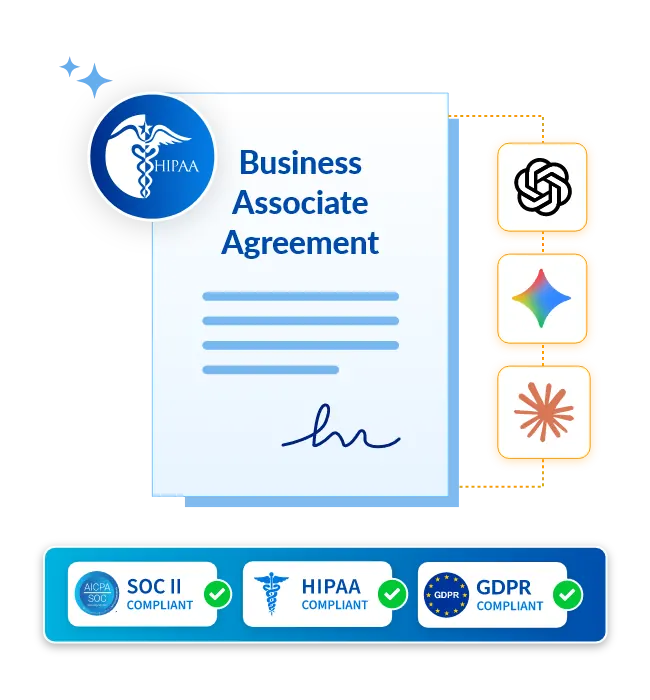
AI capabilities are available on every plan tier. Caspio's HIPAA-eligible AI features operate under signed Business Associate Agreements (BAAs). That coverage extends to the AI providers behind all three extensions: Caspio holds signed BAAs covering OpenAI GPT, Google Gemini, and Anthropic Claude, so on a HIPAA-covered Caspio account, there is no separate agreement for your team to negotiate with an AI provider. Additionally, the platform itself is independently certified annually for HIPAA, SOC 2 Type II, and GDPR compliance, re-examined by independent auditors every year rather than certified once and left alone.
That governance is not a separate product. The same role- and record-level security, encryption, and audit logging that govern your workflow govern the AI step inside it. Who can see a record, who can change it, and what happened when are answered the same way whether the step was performed by a person or by a model.
HIPAA-Eligible AI | Caspio HIPAA Edition | Compliance at Caspio
One of Four AI Capabilities on One Governed Platform
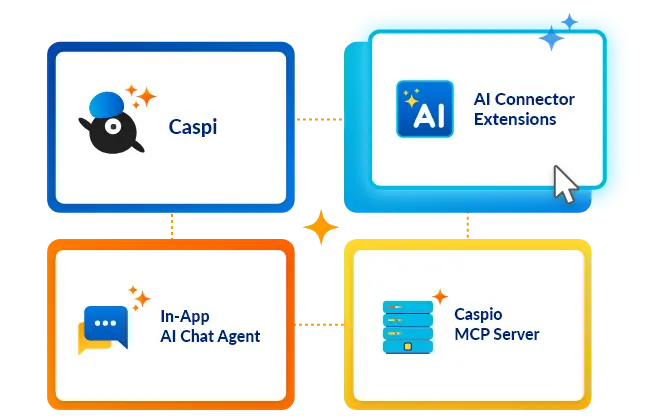
AI Connector Extensions are one of four Caspio AI capabilities, alongside Caspi, which builds applications from a description, an in-app AI chat agent for your end users, and the Caspio MCP Server,which connects AI tools and agents to your data under your permissions. All four run on the same SQL Server data core with role- and record-level security, and every application deploys as a complete Caspio-hosted app or as embeddable components wherever your users work. See how the capabilities fit together on the Caspio AI hub, or explore everything Caspio connects to on the integrations page.
Frequently Asked Questions
AI Connector Extensions bring leading AI models into Caspio app workflows. Installed from the Caspio Marketplace, they enrich, classify, summarize, and generate against your live records inside governed workflows, writing results straight back to the database the application already runs on.
Install the extension from the Caspio Marketplace and configure it for your workflow. With OpenAI GPT, you configure a prompt that references your table fields, select which records trigger AI processing (on insert, update, or both), choose where to store the AI response, and activate. It is ready to use immediately, with no coding and no external accounts required. Setup for the other extensions follows the steps in their own marketplace listings.
Three AI Connector Extensions are available in the Caspio Marketplace: OpenAI GPT brings OpenAI’s GPT models, Google Gemini brings Google’s Gemini models, and Anthropic Claude brings Anthropic’s Claude models into Caspio app workflows, with more extensions on the way. Each installs the same way, from the Caspio Marketplace into the same governed workflows.
Yes. Caspio’s HIPAA-eligible AI features operate under signed BAAs. Caspio also holds signed agreements covering the AI providers behind all three extensions. HIPAA, SOC 2 Type II, and GDPR compliance are independently certified annually, so the platform your AI workflows run on is re-examined by independent auditors every year. The Caspio HIPAA Edition page covers the details.
AI capabilities are available on every plan tier, and AI Connector Extensions install from the Caspio Marketplace. Caspio has no free plan; every plan starts with a 14-day free trial and includes unlimited users backed by 24/7 human support. See the Caspio pricing page for current plan details.
When a record triggers an AI step, the extension sends the data your prompt references to the AI model’s API for processing, under Caspio’s vendor account and signed agreements, and the response is stored back in your Caspio table. You control which records trigger processing and which fields are included, no separate AI account is required, and the result lives in your database, not in an outside tool.
Put AI to Work Inside Your Workflows
Every plan includes unlimited users backed by 24/7 human support.

